Lab Exercise
Working individually, you will complete the following exercises to send data from Arduino to Processing (and vice versa) using serial communication.
Exercise 1: Make a Processing Etch A Sketch
Step 1:
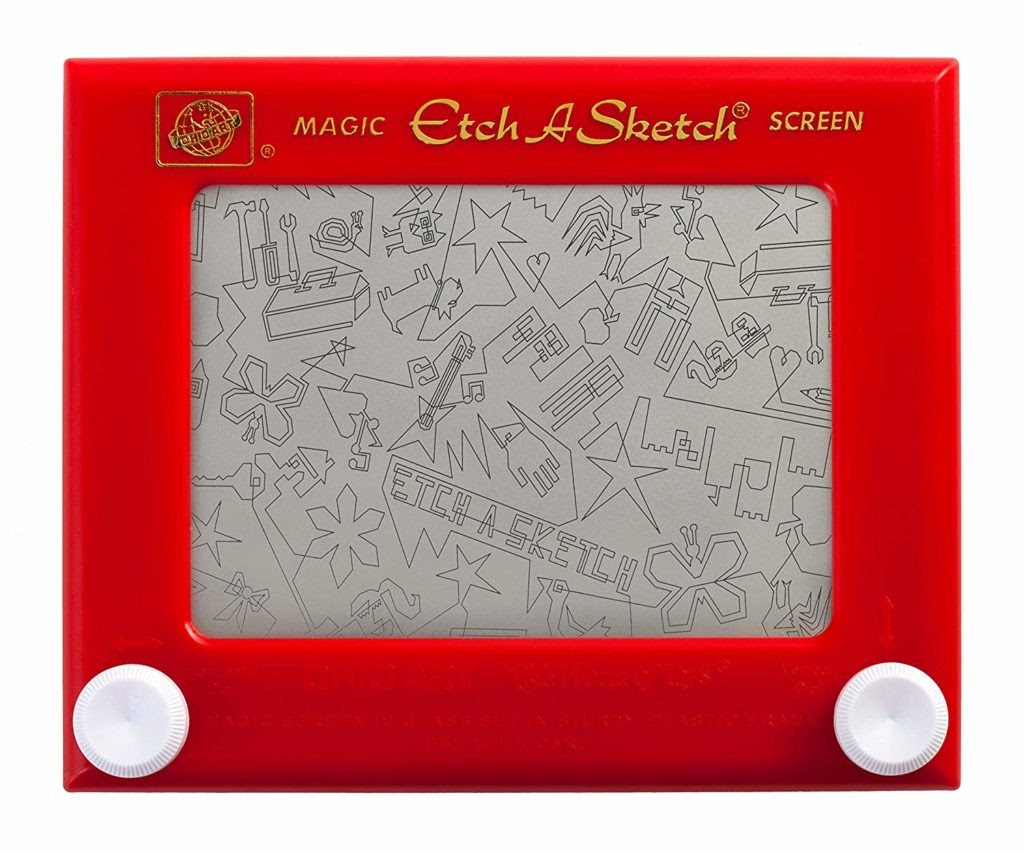
For this exercise, use Arduino to send two analog values to Processing via serial communication. To do this, build a circuit with two potentiometers and write an Arduino sketch that reads their values and sends them serially. Then write a Processing sketch that draws an ellipse and reads those two analog values from Arduino. This sketch should modify the ellipse’s x and y values based on the input from Arduino. Just like an Etch A Sketch, one potentiometer should control the ellipse’s x-axis movement, and the other should control the ellipse’s y-axis movement. To see how an Etch A Sketch works, you can watch the video here.
Step 2:
Once you have it working with an ellipse, modify the code to use a line instead (like a real Etch A Sketch). To do this, you will need to keep track of the previous x and y values so that you can draw a line from there to the new x and y positions. A similar approach is used with mouse position in this example.
Exercise 2: Make a musical instrument with Arduino
Write a Processing sketch that sends values to your Arduino based on your mouse’s x and y positions and/or keyboard interactions. Then, make a circuit with your Arduino and a buzzer. The corresponding Arduino code should read the serial values from Processing and translate them into frequency and duration for a tone, which will be sounded by the buzzer (hint: you can use the tone() function to achieve this) .
Documentation
Document each exercise thoroughly, including taking a video. In addition, draw a schematic on paper for each circuit that you make, and reflect on the interaction involved for each step.
Now that you are able to send data back and forth between Arduino and Processing think through the following questions.
A- What are the possibilities for interaction that you can envision?
B- What are some of the benefits of controlling physical elements with computational media and of controlling screen-based computational media through physical interaction?
C- Can you think of real world applications that take advantage of communication between the physical and screen-based computational media?
Leave a Reply
You must be logged in to post a comment.